
Your WordPress Source
From outer Space
We learn WordPress as we travel around the WordPress universe. Join us if you want to learn more about WordPress. Read our WordPress news, plugin reviews, theme listings, how-to’s, guides, etc.
 WordPress Resources & Guides
 WordPress Resources & Guides
Speed it up!
Read our full guide with tips and tricks to get your wordpress website faster than ever before. Let’s go for lightspeed.

Sell & Track: Woocommerce
The best info we have on Woocommerce Reports and how to set it up. Your Ultimate Guide to Woocommerce Optimization.

Build it better with a pagebuilder
Building a website have never been easier with WordPress pagebuilders. Website Setup Made Easy by Us from scratch.
Recent Blog Posts

8 Best Places to Hire WordPress Developers


Recent Plugins in our directory
PointPair Payments for WooCommerce
Crisp – Chat and Help desk for WooCommerce
Hottest WordPress Coupons




Recent Themes in our directory
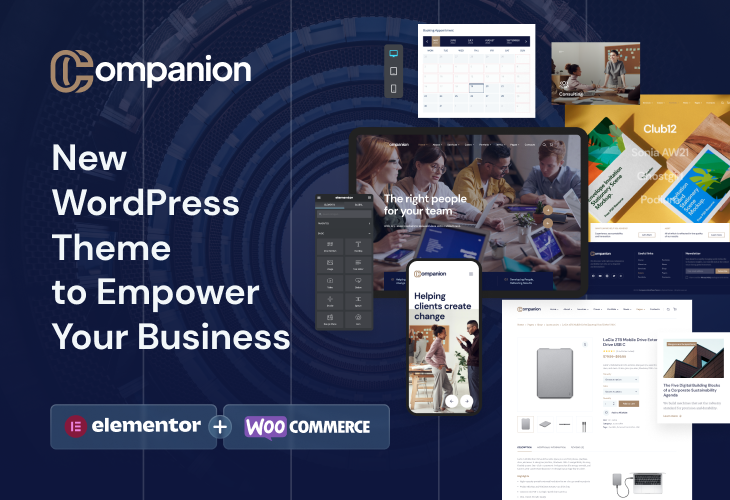
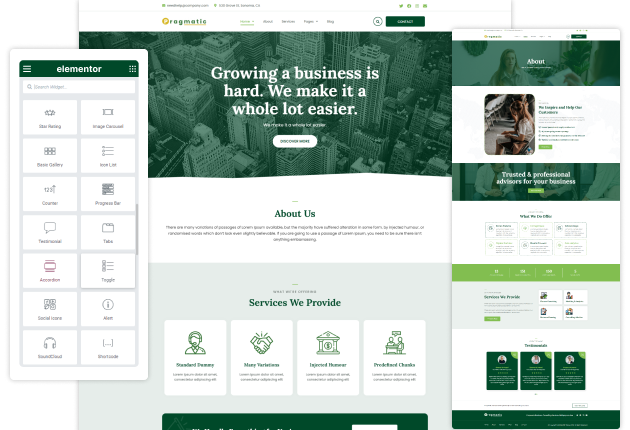
Pragmatic Multipurpose WordPress Theme
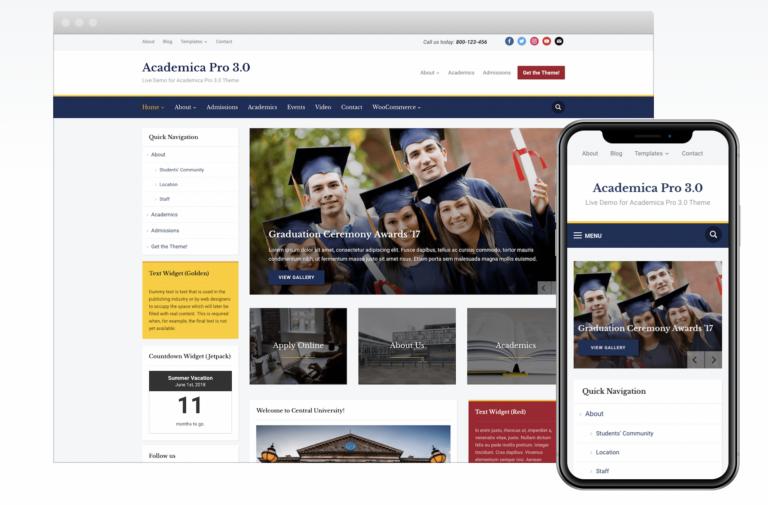

Learn WordPress at Lightspeed
Wondering about what this website is about? Then, let us inform you that apart from some of the best space puns in the business, WPLift is the best WordPress resource to understand and get used to the world’s leading CMS. WPLift is like your personal WordPress buddy to let you succeed in website development. We’ve been helping people learn WordPress since 2010, and we have no plans to stop any time soon!
We get it – as popular as WordPress may be, sometimes it feels like you need to be a rocket scientist to use self-hosted WordPress, right? Besides this, you have thousands of themes and plugins, not to mention all the core WordPress functionality to navigate. It becomes a major headache.
That’s where WPLift comes in.
We serve up detailed WordPress tutorials, reviews, and best-of lists so that you can properly navigate in the WordPress ecosystem. Find reliable WordPress plugins, discover free and premium WordPress themes for your niche, and even learn how to optimize and take your self-hosted WordPress website to a new level.
It doesn’t need to be a job to learn WordPress, so we always try to make our blog posts both actionable and enjoyable to read. No one wants to spend their free time wading through dry technical documentation, so we try to ensure that never happens. In a nutshell, we aim to show you cool stuff about WordPress without putting you to sleep.
Because let’s face it – we know most WordPress users aren’t seasoned developers, so we don’t write our blog posts like we’re talking to developers. We speak to you – the regular WordPress user. Maybe you know a little bit of code, or have never looked at PHP in your entire life.
Either way, it’s all good – no matter your knowledge level, we’ll make it easy and fun for you to understand leading CMS from the best WordPress source.
WPLift is also more than just blog posts. On the site, you can also find listings for WordPress themes and plugins and plenty of WordPress deals to help you save money on helpful WordPress products. In addition, WPLift also shares details of all the latest WordPress events worldwide, for instance, WordCamp. Recently, we have shared the best updates, news, insights, and more from WordCamp USA 2023.
We’ve also dug into other topics like the best managed WordPress hosts to keep your site running smoothly, security, customization, SEO optimization, our personal favorite tools, and lots, lots more. And we don’t always just stick to WordPress; you can also find plenty of helpful tips for content marketing, website promotion, and more. Running a WordPress site is about more than just the technical stuff – we help you make a site, get it seen by others, and maybe even make a little money.
At WPLift, we give high importance to the power of the community. That’s why we encourage you to connect with other WordPress enthusiasts, share unique ideas, and help each other resolve daily WordPress battles through comments and social media channels.
We also know that you’re probably a busy person, so we condense all our posts and other essential news from the WordPress ecosystem into one weekly newsletter. We encourage you to sign up for our newsletter for the latest WordPress news beamed straight to your email inbox. You certainly won’t be the first person to do so – over 30,000 readers have already subscribed to the WPLift newsletter for all the latest WordPress news. Also, we suggest you to follow us on social media to stay updated with the latest WordPress updates.
So, if you’re ready to blast off and rocket your WordPress knowledge into space, WPLift is here to be the co-pilot on your journey. To help you get started, we even put together a list of some of our most popular WordPress blog posts.